Read & navigate
Open PDFs, browse pages and thumbnails, zoom, and rotate the view.
Open, annotate, organize, and prepare forms in one focused desktop workspace. Work with your documents locally, right on your PC.
Microsoft Store availability is being prepared. The app and writing license are not on sale yet.
Everything in one workspace
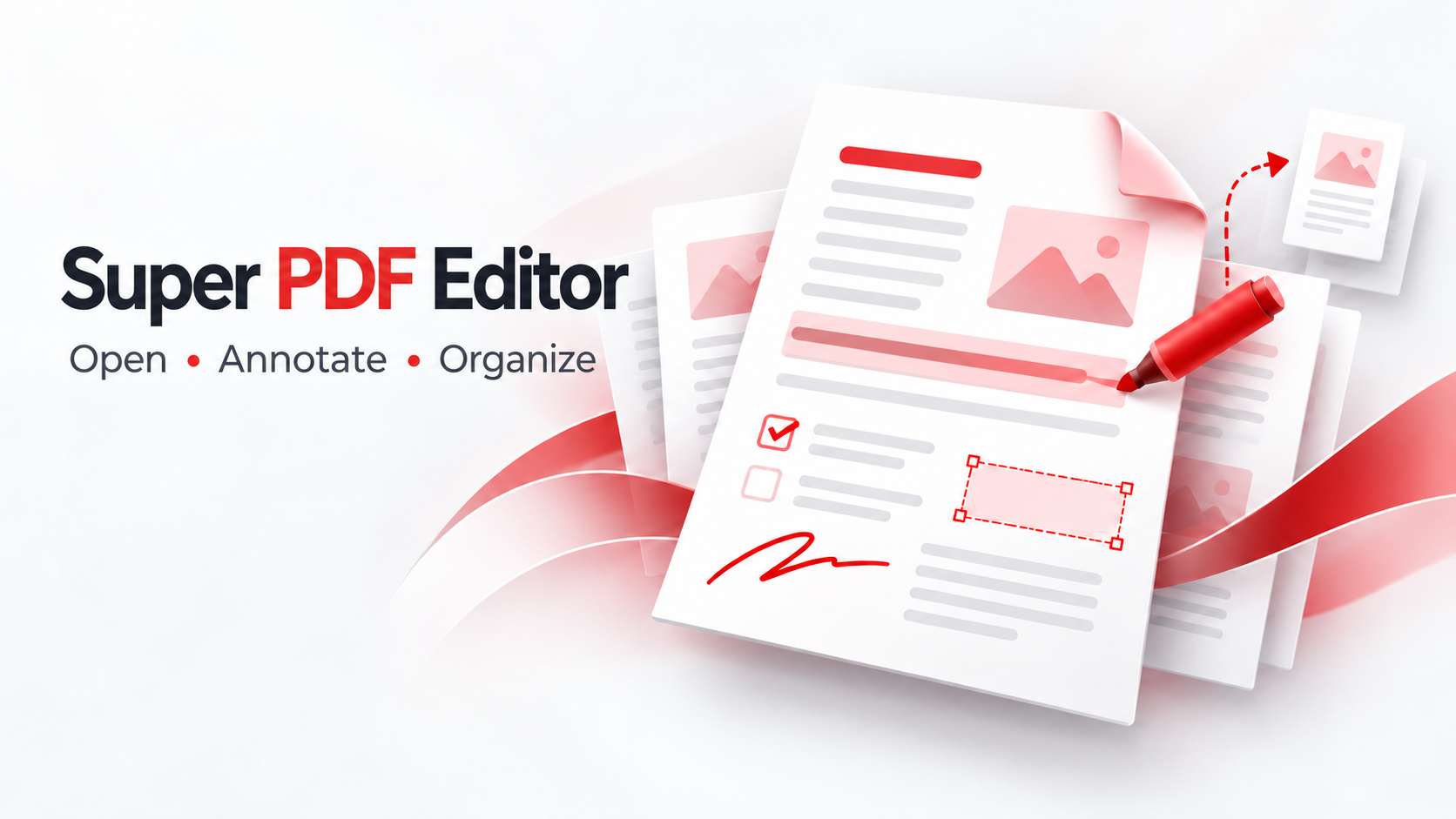
Choose the tool you need without jumping between separate apps. Saving and exporting create new files, so your original remains available.
Open PDFs, browse pages and thumbnails, zoom, and rotate the view.
Add text, highlights, notes, shapes, and drawn or imported signature images.
Merge, split, extract, reorder, duplicate, delete, and rotate pages.
Create fillable fields and visual signature areas for recipients.
Insert images, apply watermarks, add passwords, QR codes, and numeric barcodes.
Queue compression and metadata cleanup work for multiple files.
A closer look
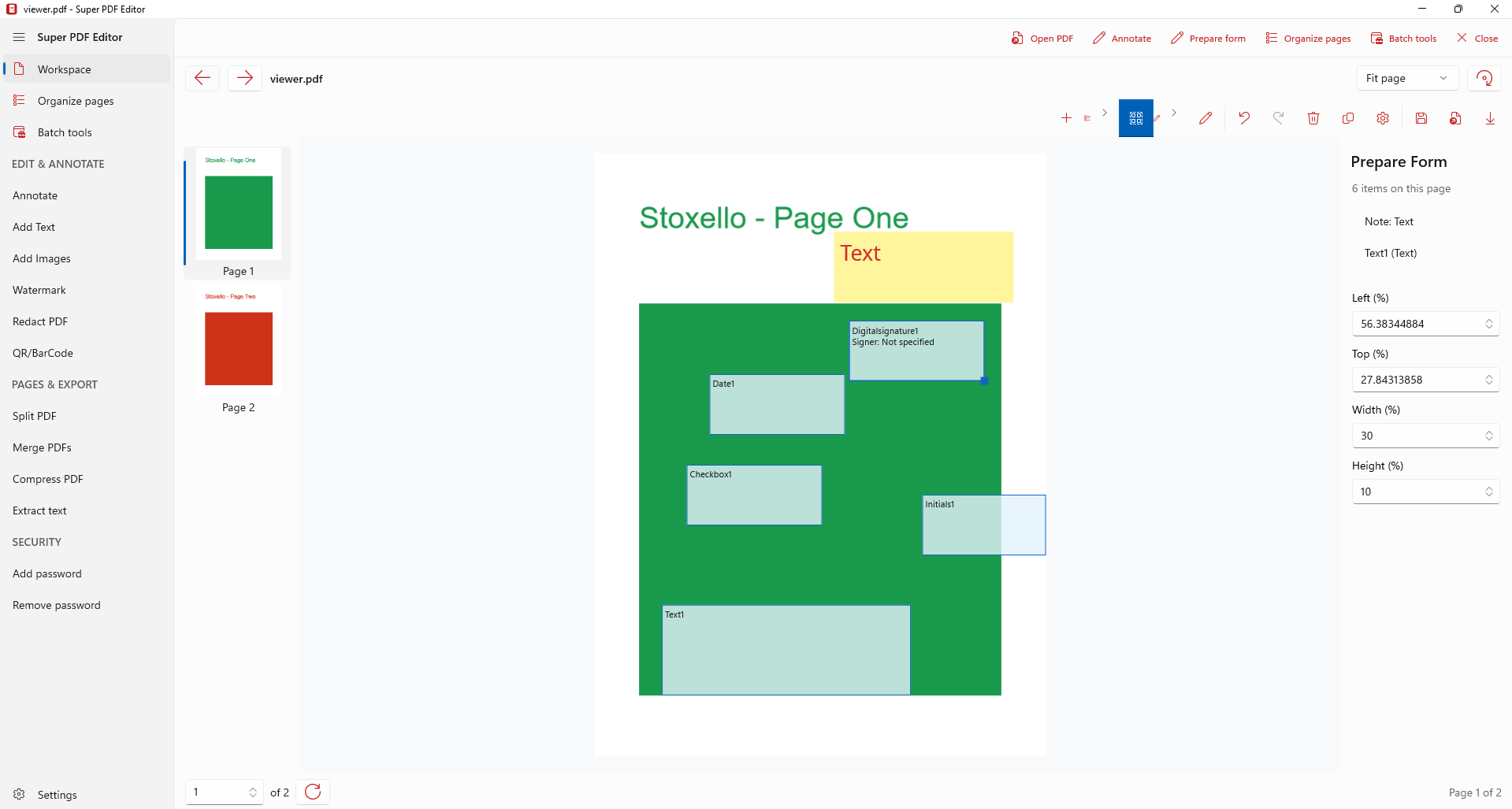
Place text fields, checkboxes, dropdowns, and signature areas. Export a fillable PDF for recipients, then fill and return a new copy inside the app.
Visual signature areas and drawn signatures are not certificate-based digital signatures.
How it works
Install Super PDF Editor from the Microsoft Store when its listing is live. Opening and viewing PDFs will be free.
Explore pages, organize files, mark them up, or prepare a form with desktop tools.
Purchase the number of seats you need here. Your key will be emailed and listed in your account after payment is verified.
Straightforward pricing
The planned writing license is priced per PC. Choose one seat for each PC that will use writing features.
For opening and viewing PDFs.
Planned one-time price, adjustable by the store administrator.
For teams
Install the free app on Windows devices through your normal deployment process. Purchase a writing seat for each PC that needs to save or export, then manage seat totals in one account.
IT can distribute a purchased key to company PCs. Seat quantity is based on your purchase; automated device counting is not used.
Example team order
This illustrates quantity pricing. Checkout is not active yet.
Good to know
The desktop app processes documents locally. The store account will store purchase and license details, not PDF contents.
Yes. Purchase one writing seat for each PC that needs writing features. IT can deploy the same purchased key to those PCs; we rely on customers to buy the correct number of seats.
Current editing operations create new output files and refuse to replace an existing file.
It supports drawn or image signatures and can create an unsigned Adobe Reader signature field. It does not apply certificate signatures.
Stay in the loop
Questions or a feature request? Send feedback as we prepare the Store release.
Share feedback ↗